
A competent point-of-sale platform is required for any retail store's efficient and coordinated operations. Understanding this need, TrueLoyal has integrated with Clover, a cloud-based Android point of sale platform. It is a market-leading point-of-sale platform that enables businesses to maximize their operating efficiencies while allowing customers to pay using a debit or credit card or via mobile payment options.
How to integrate TrueLoyal with Clover
- Please write to support@trueloyal.com to get login details for your clover store.
- Visit https://www.clover.com/appmarket/apps/YZ390SJY3BBBJ
- Click on the connect button.

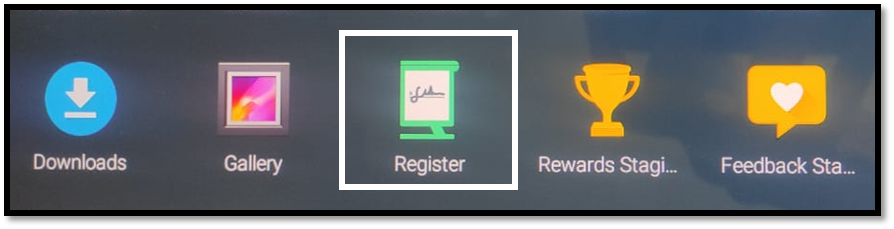
- Select the products, the customer wants to buy.
- Click on Pay button.
- On the payment page, select TrueLoyal to check the loyalty data.
- You will be taken to Search User page. Here, you can check if the user is part of the loyalty program. You can search the user via email id, name or phone number.
- If user is not the part of loyalty program, you will get an option of adding new user. Wherein, you have to add the details of the user such as name (mandatory), email id (mandatory), phone number (optional) and birthday(optional).
- Once the user is added to the program, you will be again taken to the payment page.
Follow the same steps by clicking on the TrueLoyal icon. Again search for the user and confirm to check his/her available rewards. - If rewards are applicable, click on the eligible reward.
- If customer is paying through Cash, select cash.
- Select how customer want the receipt- via email or print.
- Click Done.
Comments
Please sign in to leave a comment.